
Simulator Guide
Key Features
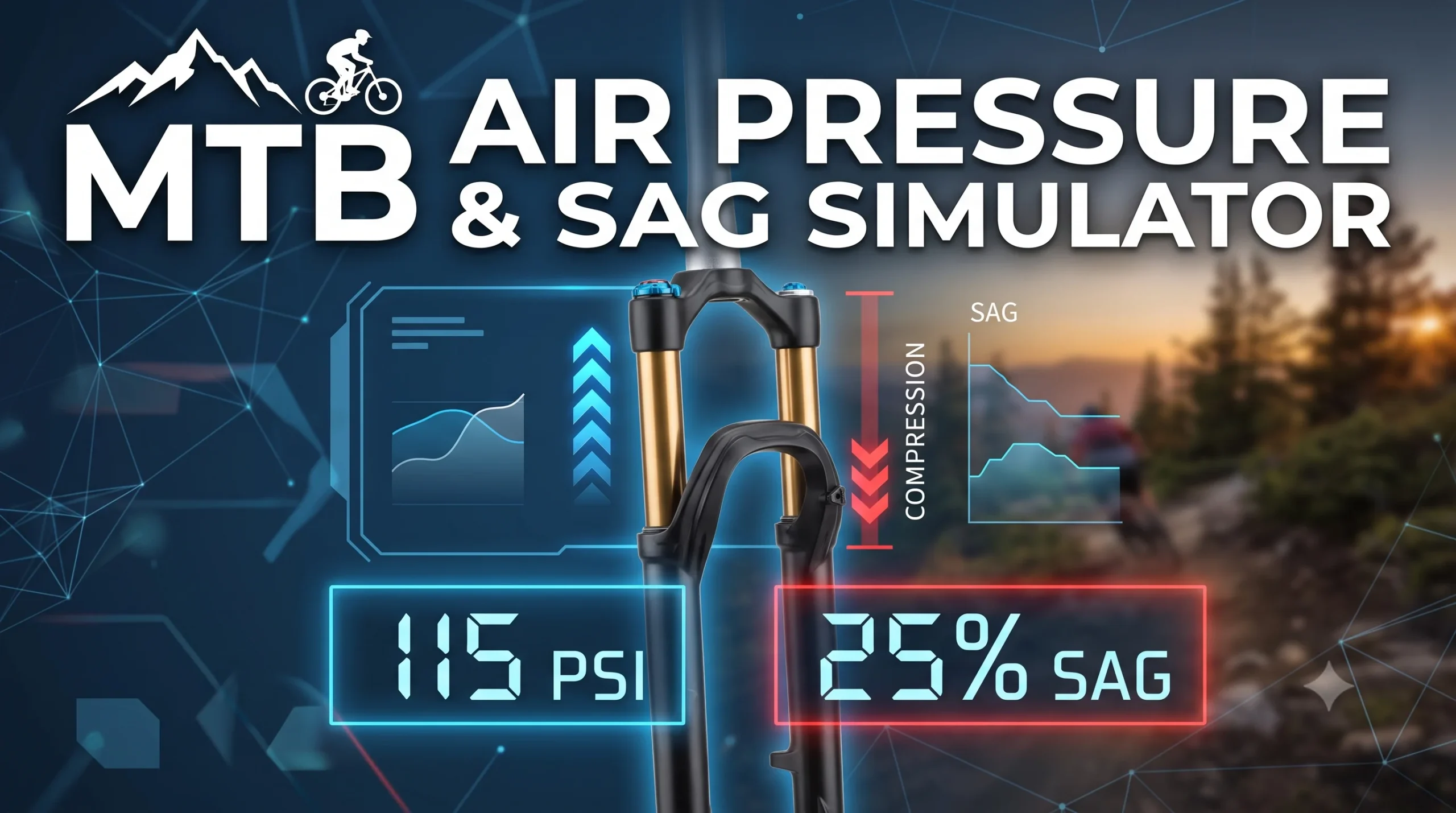
- Real-time Mechanical Calculation: Calculates recommended air pressure (PSI) based on front-fork static load distribution (~45%) derived from combined rider and bike weight.
- Riding Style Customization: Dynamically adjusts pressure and compression profile according to target sag settings: 20% for XC (Firm), 25% for All-Mountain (Balanced), and 30% for Enduro/DH (Plush).
- Interactive Visual Fork Animation: Provides an immediate visual representation of stanchion compression and red O-ring movement as you adjust weights or riding styles.
- Unit Switching: Seamlessly toggles between Metric (
kg) and Imperial (lbs) units with automatic slider scale recalibration.
How to Use
- Select Weight Units: Choose between KG or LBS at the top right of the rider weight section.
- Adjust Weights: Drag the sliders to match your gear-equipped rider weight and your bike’s overall weight.
- Choose Riding Style: Select your preferred style (XC / Trail, All-Mountain, or Enduro / DH) to apply the target sag percentage.
- Check Results: Review the recommended PSI and observe the live stanchion compression in the visual widget below.
MTB Air Pressure & Sag Simulator
Optimal suspension tuning based on rider weight & bike dynamics
Rider Weight
75 kg
Bike Weight
14.0 kg
Riding Style & Target Sag
XC / Trail
20% Sag (Firm)
All-Mountain
25% Sag (Balanced)
Enduro / DH
30% Sag (Plush)
Live Fork Compression Simulation
— PSI
Rec. Air Pressure
25%
Target Sag