
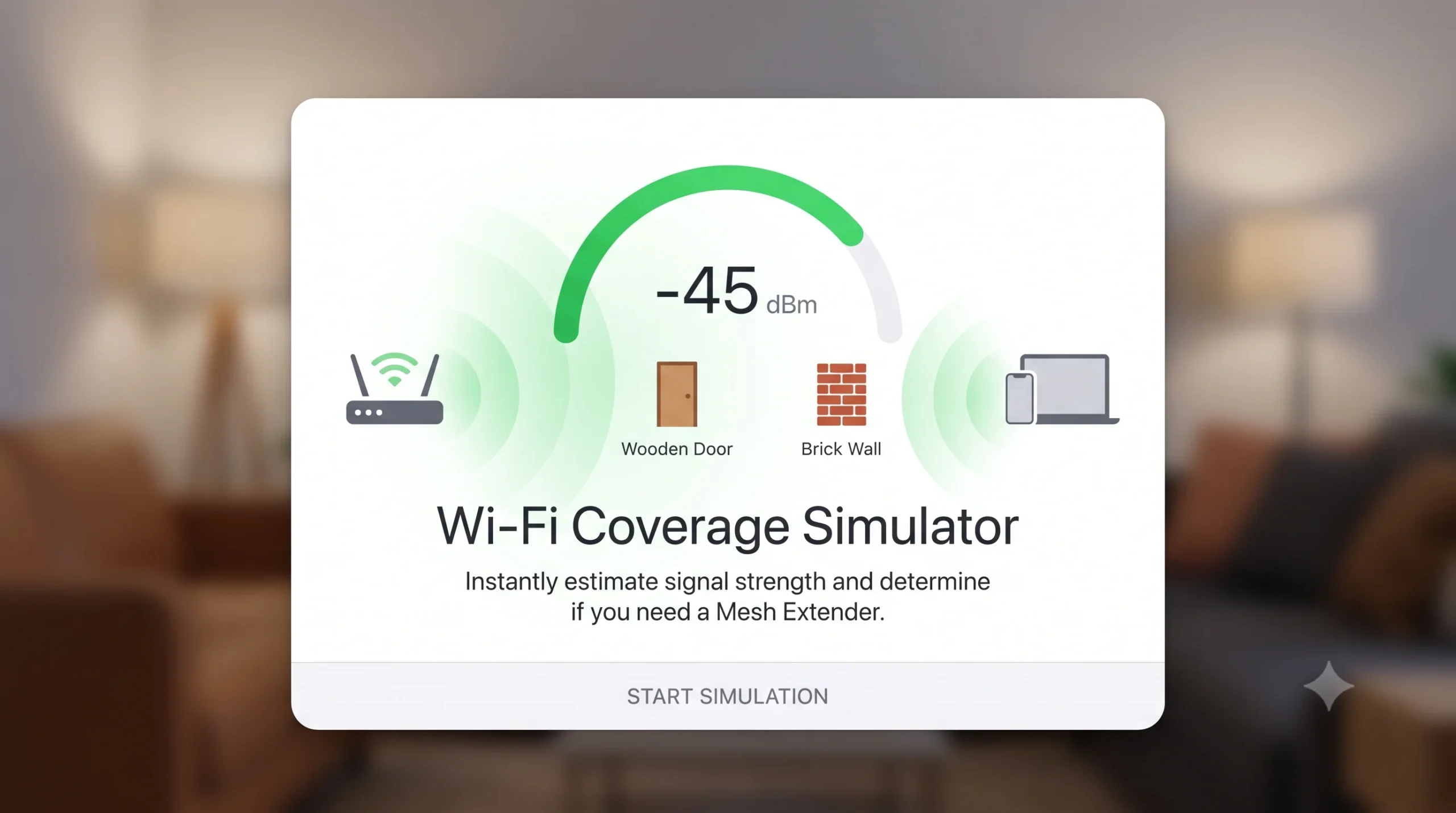
Wi-Fi Signal Coverage Simulator
Estimate signal loss and determine mesh expansion needs
Frequency Band
Distance to Room
5 m
Wall Material
Number of Walls
2
-55
dBm
Strong Signal
Loading simulation…
Key Features
- Interactive Signal Simulation: Calculates estimated Wi-Fi signal strength ($\text{dBm}$) in real-time based on frequency, distance, wall material, and physical barriers.
- Apple-Inspired UI: Features a sleek, responsive card layout with rounded corners, smooth transitions, and a dynamic circular progress gauge.
- Smart Diagnostic Output: Automatically delivers actionable recommendations on whether a Mesh Wi-Fi router or Range Extender is required.
How to Use
- Select Frequency Band: Choose between 2.4 GHz (extended range) and 5.0 GHz (higher speed).
- Set Distance: Adjust the distance slider to reflect the space between your router and target room.
- Choose Wall Material: Select the primary obstacle type (e.g., Wooden Door, Brick, or Reinforced Concrete).
- Set Wall Count: Adjust the slider for the number of walls in the signal path.
- Review Results: Check the real-time $\text{dBm}$ score, visual gauge color, and mesh extension diagnosis.