
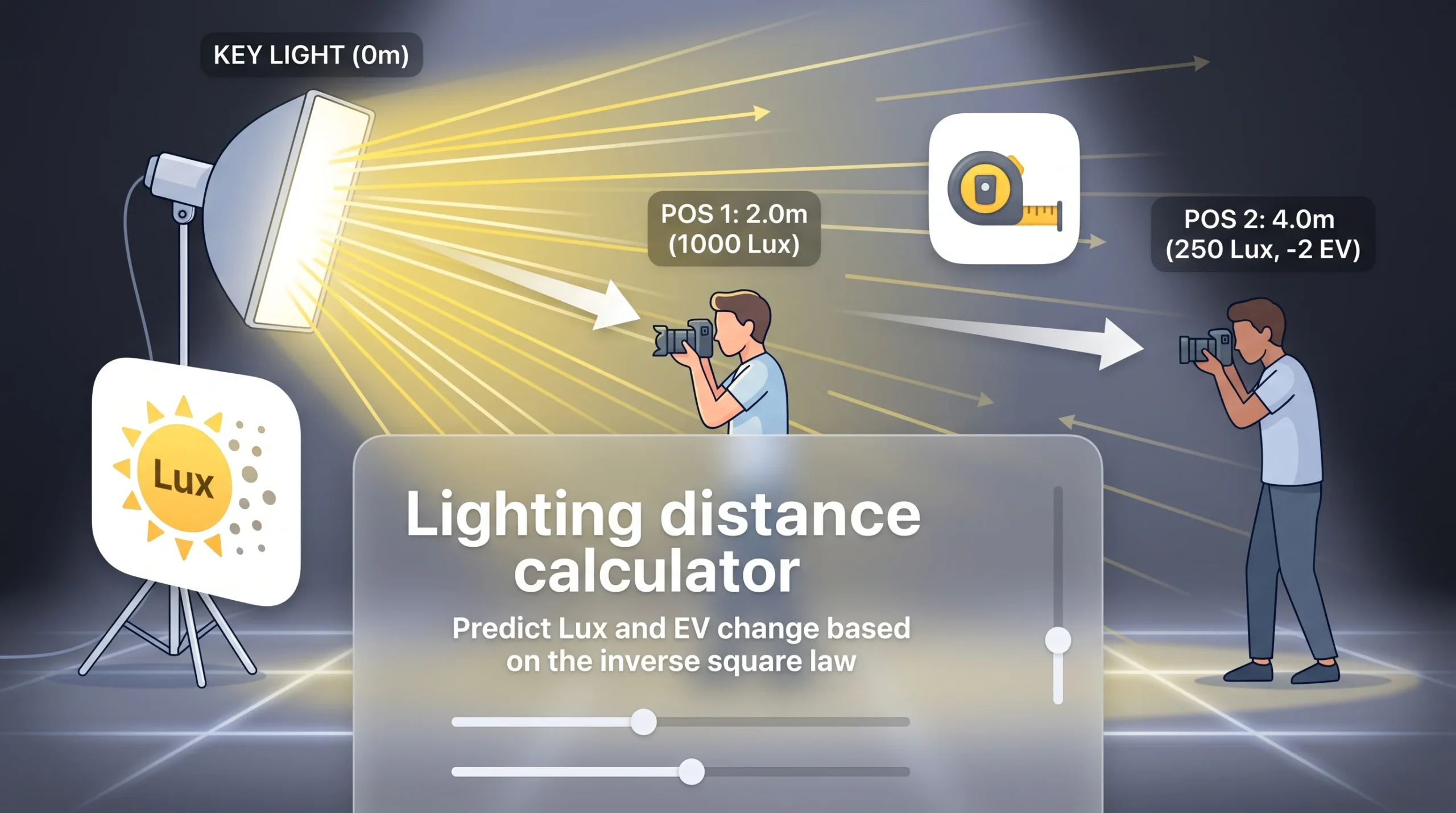
Inverse Square Law Lighting Simulator
Calculate illuminance drop-off and required placement for camera setups
Pos 1: 2.0m
Pos 2: 4.0m
0m (Key Light)
2.5m
5.0m
7.5m
10.0m
Initial Distance (d₁)
2.0 m
Initial Light Level (E₁)
1000 Lux
New Distance (d₂)
4.0 m
Target Light Level
250 Lux
At 4.0 m distance
Brightness Shift
-75%
Intensity change
Exposure Shift
-2.00 EV
F-stop compensation
Key Features
- Dual Calculation Modes: Toggle between calculating expected light intensity (Lux) at a new distance or calculating the required light distance to achieve a target Lux value.
- Interactive Visual Stage: Live graphical preview showing the relative positions of the light fixture, initial camera/subject position, and target position along a 10-meter virtual stage.
- Exposure Metrics: Automatically outputs brightness change percentages and EV (Exposure Value/F-stop) differences for camera setting adjustments.
How to Use
- Select Mode: Use the top toggle buttons to choose whether you want to calculate Target Lux or Required Distance.
- Set Initial Values: Enter your starting setup—distance ($d_1$) and current illuminance ($E_1$ in Lux).
- Adjust Target Variable:
- In Calculate Target Lux mode, adjust the New Distance ($d_2$) slider or input box to see the light drop-off.
- In Calculate Required Distance mode, enter your desired Target Lux ($E_2$) to get the exact distance required.
- Read Results: Check the highlighted summary card for the primary answer, and review the EV Shift card to adjust camera aperture/ISO accordingly.